In our previous posts, we discussed Stored XSS and Reflected XSS attacks. In this post, we’ll explore DOM-based XSS, a type of XSS vulnerability that occurs entirely in the browser without server-side involvement.
What is DOM-based XSS? Link to heading
DOM-based XSS occurs when client-side JavaScript code writes user-controlled data to the Document Object Model (DOM) in an unsafe way. Unlike Stored and Reflected XSS, the vulnerability exists entirely in the client-side code and doesn’t involve the server.
- An attacker crafts a malicious URL or input
- The victim’s browser processes the input
- JavaScript code unsafely writes the input to the DOM
- The browser executes the malicious script
Practical Example Link to heading
Let’s look at a vulnerable search application that demonstrates two common DOM-based XSS vulnerabilities
Project structure Link to heading
dom-based-xss-demo/
├── app/
│   ├── app.py
│   ├── Dockerfile
│   └── templates/
│       └── index.html
└── docker-compose.yml
# app/app.py
from flask import Flask, render_template

app = Flask(__name__)

@app.route('/')
def index():
    return render_template('index.html')

if __name__ == '__main__':
    app.run(debug=True, host='0.0.0.0')
# app/Dockerfile
FROM python:3.9-slim

WORKDIR /app

RUN pip install --no-cache-dir \
    Flask==2.0.1 \
    Werkzeug==2.2.2

COPY app.py .
COPY templates ./templates

EXPOSE 5000

CMD ["python", "app.py"]
<!-- app/templates/index.html -->
<!DOCTYPE html>
<html>
<head>
    <title>DOM XSS Demo</title>
    <style>
        body {
            font-family: Arial, sans-serif;
            max-width: 800px;
            margin: 0 auto;
            padding: 20px;
        }
        .search-form {
            margin-bottom: 30px;
        }
        .search-form input {
            width: 100%;
            padding: 10px;
            margin-bottom: 10px;
        }
        .results {
            margin-top: 20px;
        }
        .no-results {
            color: #666;
            font-style: italic;
        }
    </style>
</head>
<body>
    <h1>DOM XSS Demo</h1>

    <div class="search-form">
        <form id="searchForm">
            <input type="text" id="search" placeholder="Search for something...">
            <button type="button" id="searchButton">Search</button>
        </form>
    </div>

    <div class="results" id="results">
        <!-- Results will be inserted here -->
    </div>

    <script>
        // Define the search function
        const search = function() {
            const query = document.getElementById('search').value;
            const resultsDiv = document.getElementById('results');

            // Vulnerable code: directly using user input in innerHTML
            resultsDiv.innerHTML = query;
        };

        // Add event listeners
        document.getElementById('searchButton').addEventListener('click', search);
        document.getElementById('searchForm').addEventListener('submit', function(e) {
            e.preventDefault();
            search();
        });

        // Process hash on page load
        if (location.hash) {
            document.getElementById('results').innerHTML = decodeURIComponent(location.hash.slice(1));
        }

        // Process hash changes
        window.onhashchange = function() {
            document.getElementById('results').innerHTML = decodeURIComponent(location.hash.slice(1));
        };
    </script>
</body>
</html>
# docker-compose.yml
services:
  app:
    build: ./app
    ports:
      - "5000:5000"
    volumes:
      - ./app:/app
The application contains two DOM-based XSS vulnerabilities:
- Search Box Attack: User input is directly written to the DOM using
innerHTML - URL Hash Attack: URL fragment is decoded and written to the DOM
Run the project Link to heading
Start the container:
docker-compose up --build -d
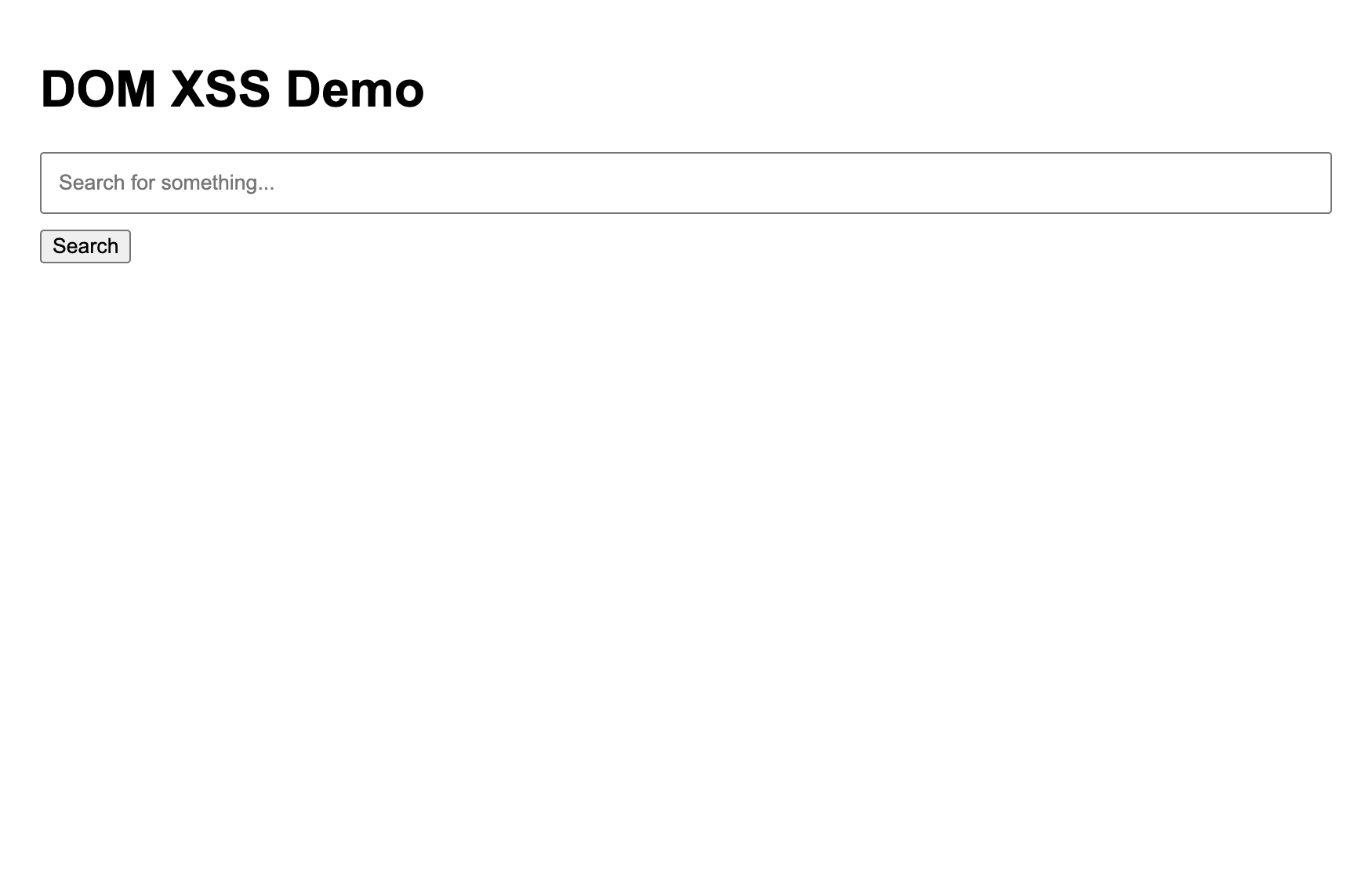
Open http://localhost:5000 in your browser. You should see the search form.
Attack Scenarios Link to heading
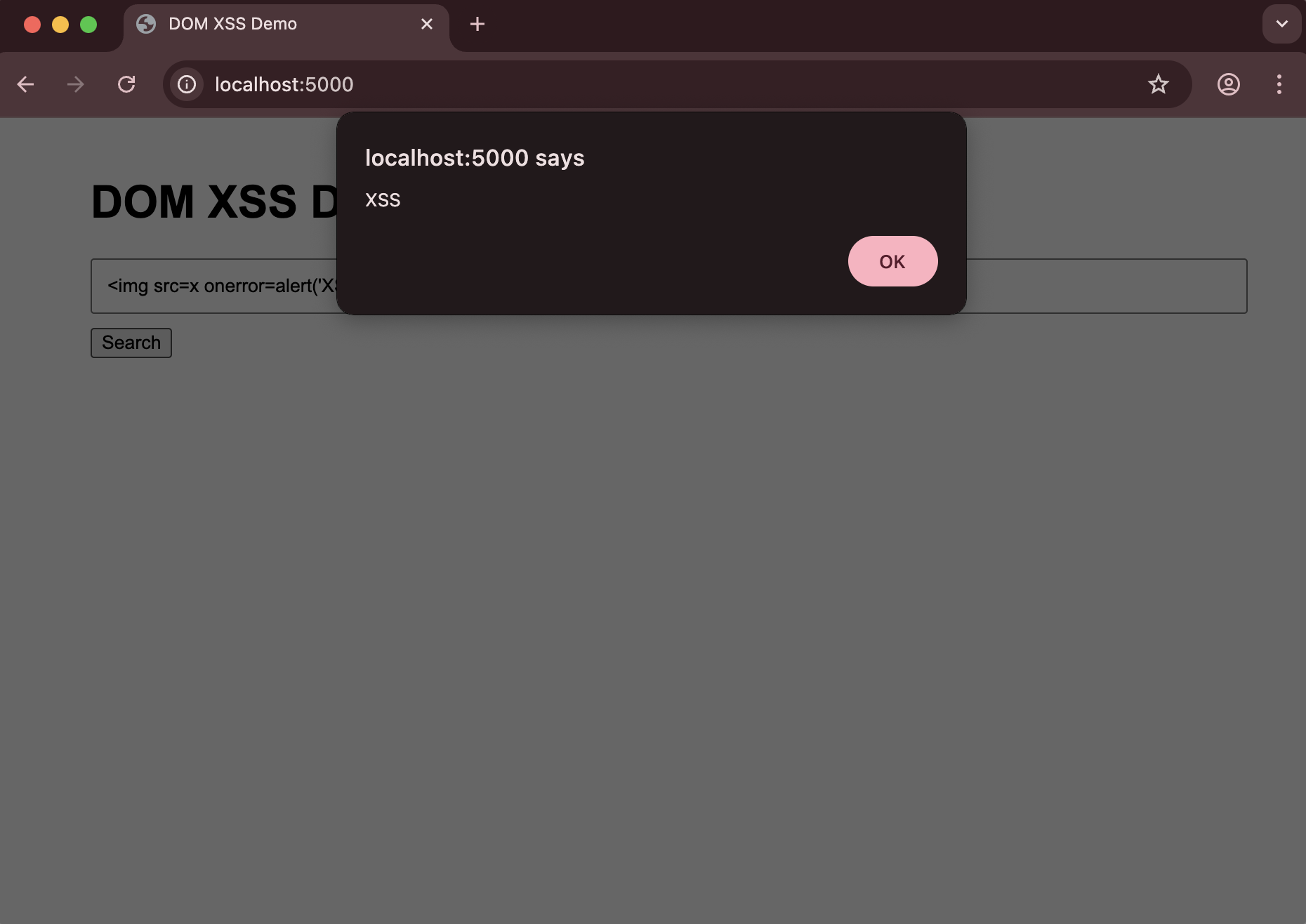
Search Box Attack:
- Enter this in the search box:
<img src=x onerror=alert('XSS')>- Click the Search button or press Enter
- You should see an alert popup with the message “XSS”
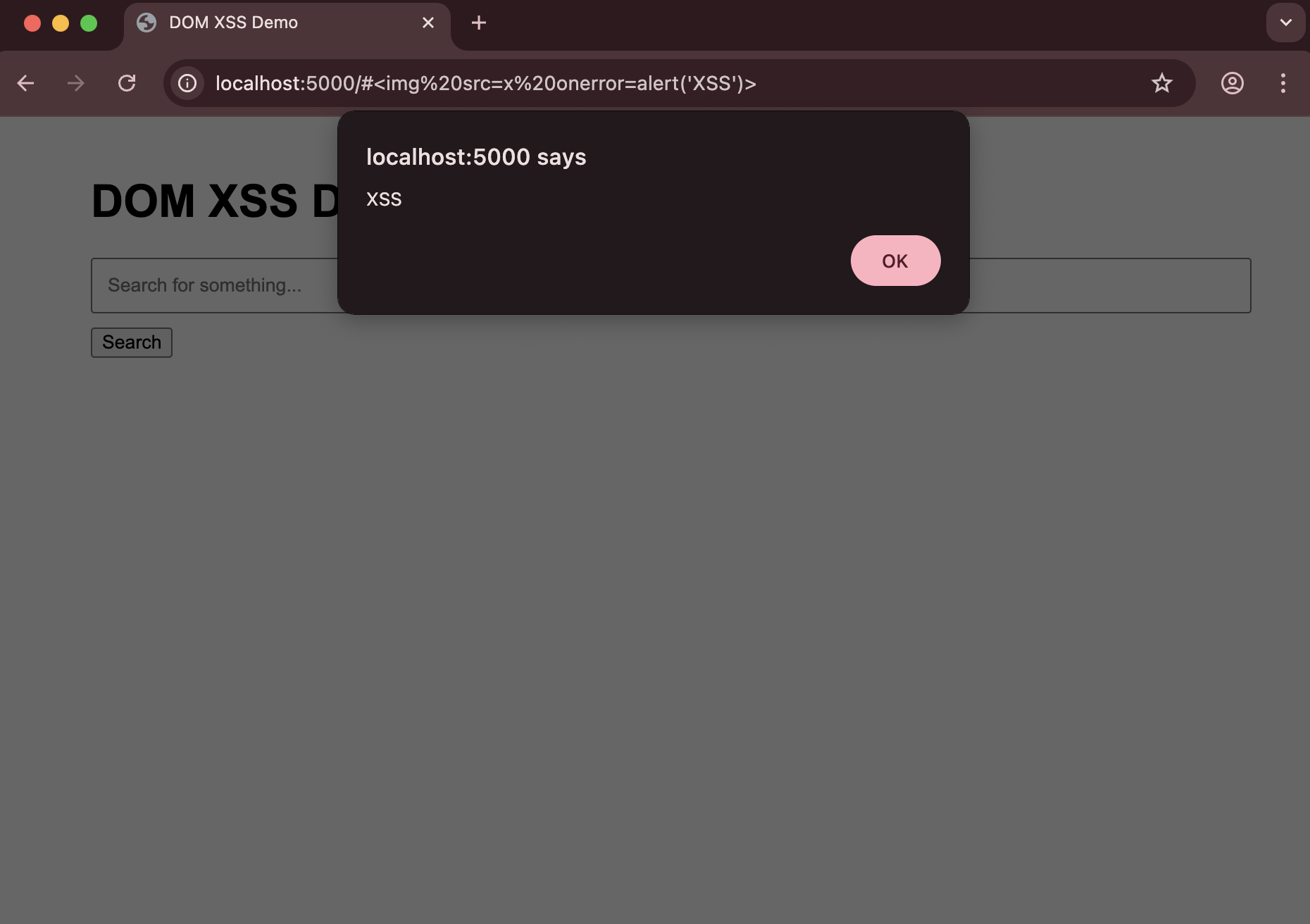
URL Hash Attack:
- Visit this URL:
http://localhost:5000/#<img src=x onerror=alert('XSS')>- The alert will execute when the page loads
Clean up Link to heading
Stop the container:
docker-compose down
Why This is Vulnerable Link to heading
The application is vulnerable because:
- Direct DOM Manipulation: User input is directly written to the DOM using
innerHTMLwithout any sanitization - URL Fragment Processing: The URL hash is decoded and written to the DOM without validation
- No Input Validation: There’s no checking of the input content before it’s rendered
How to Prevent DOM-based XSS Link to heading
1. Avoid Unsafe DOM Manipulation Link to heading
Never use innerHTML with user input:
// Instead of:
resultsDiv.innerHTML = query;

// Use:
resultsDiv.textContent = query;
2. Use Safe DOM APIs Link to heading
Use safe DOM manipulation methods:
const h2 = document.createElement('h2');
h2.textContent = `Search Results for: ${query}`;
resultsDiv.appendChild(h2);
3. Sanitize User Input Link to heading
Use a library like DOMPurify to sanitize HTML:
import DOMPurify from 'dompurify';

const sanitizedQuery = DOMPurify.sanitize(query);
resultsDiv.innerHTML = sanitizedQuery;
4. Content Security Policy (CSP) Link to heading
Implement CSP headers to restrict script execution:
@app.after_request
def add_security_headers(response):
    response.headers['Content-Security-Policy'] = "default-src 'self'"
    return response